
Aesthetic Collage Maker:
Your style, your vibe, your feed
Create an aesthetic collage for your phone wallpaper, Instagram stories or Pinterest – free, no signup and with trendy layouts.
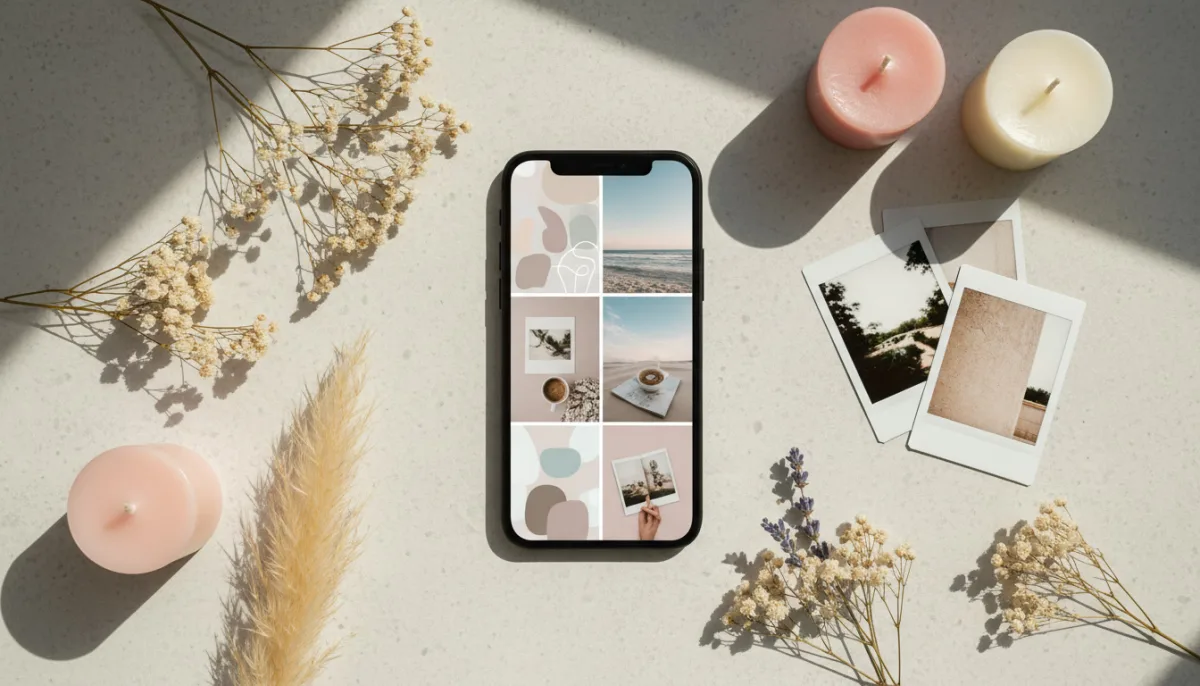
Everything you need for your aesthetic collage
Whether vintage vibes, minimalist aesthetic or soft girl look – with LayPic you create trendy collages in the perfect format for your smartphone, your feed and your story. Completely free and without any app download.
8 Layouts & Creative Masks
Justified, Masonry, Grid, Magazine, Magazine Center, Mosaic, Scattered and Mask layout. Plus over 40 masks: hearts, numbers, letters and 28 wedding designs.
All Formats & Print Quality
From DIN A0 to A5, Instagram, Pinterest or custom poster sizes. Export as PNG, JPG or PDF at up to 300 DPI.
Text, Logo & 20+ Fonts
Add text with over 20 fonts, shadows, text stroke and background color. Upload your own logo via file or URL.
100% Privacy
Your photos never leave your device. Everything is processed locally in the browser – no upload to external servers.
Export & Social Sharing
Export in 3 quality levels (96, 192, 300 DPI) as PNG, JPG or PDF. Share your collage directly on social media.
Full Design Control
Gradient backgrounds, background images, rounded corners, frames, spacing and alignment – customize every detail. 5 gradient directions and 5 image fit modes.
Perfect for phone wallpapers & social media
Your aesthetic collage in 9:16 portrait format looks absolutely stunning as a phone wallpaper. Or use the portrait/story format for Instagram stories, TikTok posts and Pinterest pins. LayPic offers all the formats you need for your perfect social media presence.
4 steps to the perfect aesthetic collage
No installation, no signup – start directly in your browser.
Upload aesthetic images
Upload your best photos – via drag & drop or click. Polaroids, landscapes, outfits or mood images, whatever fits your vibe.
Choose a trendy layout
Choose from 8 layouts (Justified, Masonry, Grid, Magazine, Magazine Center, Mosaic, Scattered, Mask) and creative masks. The Scattered layout is perfect for the popular Polaroid look.
Personalize with aesthetic fonts
Add quotes, song lyrics or captions as text. 20+ fonts, shadows, text stroke and logo upload. Adjust spacing, frames, corners, background (color, gradient or image) and alignment to match your style.
Export & share
Export as PNG, JPG or PDF in 3 quality levels (96, 192, 300 DPI). Choose 9:16 for wallpapers, square for posts or share directly on social media.
Export in the perfect format for every channel
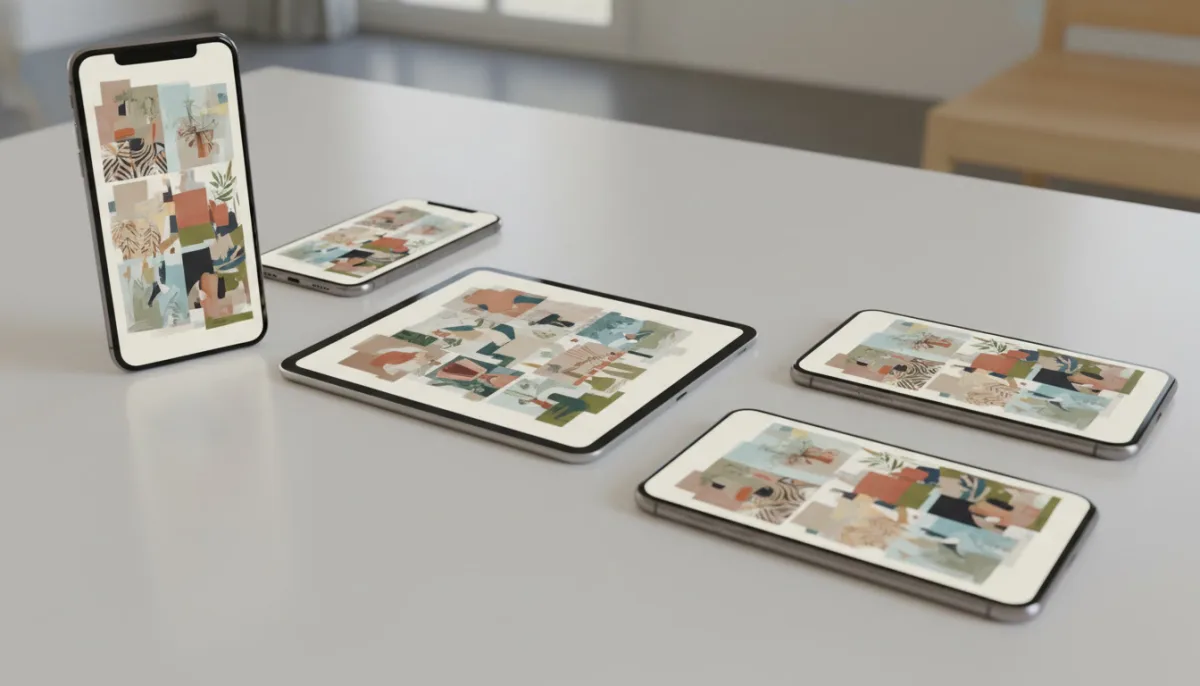
Choose between portrait (9:16) for wallpapers and stories, square for Instagram posts or landscape for Pinterest boards. Export as PNG or JPG in the ideal resolution for social media – or in 300 DPI if you also want to print your aesthetic collage.
How to create your aesthetic collage
Watch how you can create a trendy aesthetic collage for your phone or your feed in just a few minutes.
Customize with aesthetic fonts & styles
Give your collage the finishing touch with aesthetic fonts, quotes and text overlays. Choose from over 20 fonts, adjust color and size and use shadows and text stroke for the perfect look. Upload your own logo or watermark for your personal brand style.
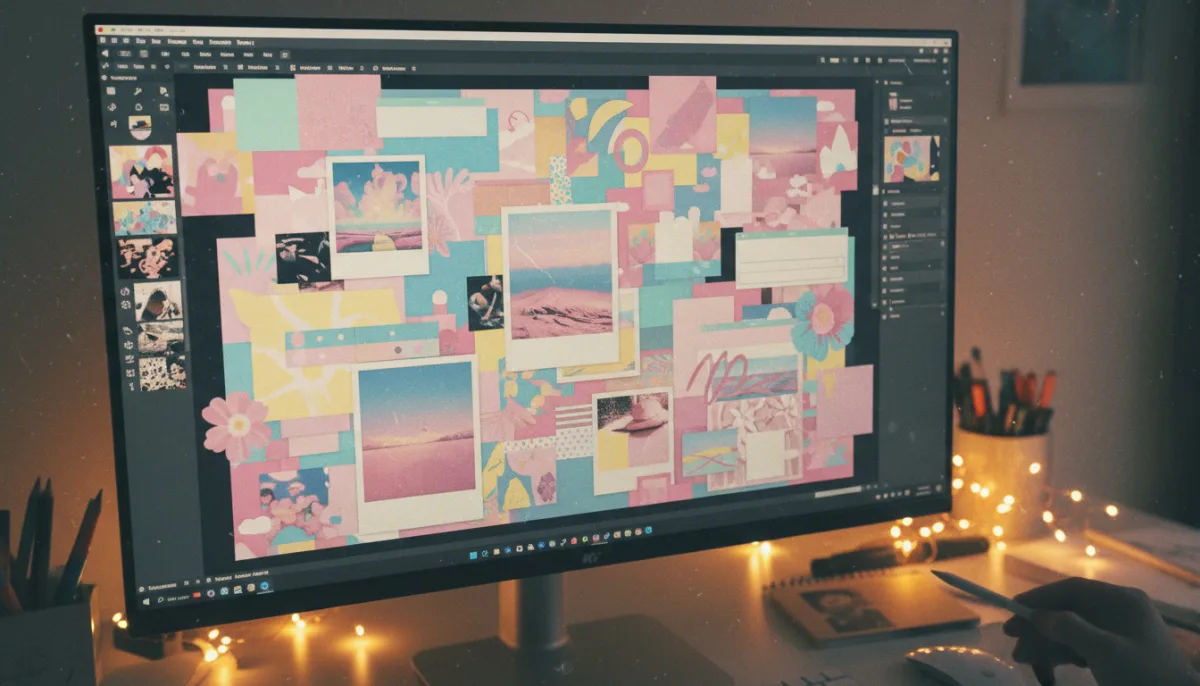
Why you should create your aesthetic collage with LayPic
- Trendy layouts like Scattered, Masonry and Mosaic for the perfect look
- 9:16 portrait format for phone wallpapers and Instagram stories
- Aesthetic fonts and text overlays for quotes and captions
- Unlimited image uploads – no limits, no restrictions
- Completely free – no signup, no hidden costs
- No app download needed – works right in your browser
- Privacy: Your images stay on your device
Frequently Asked Questions
Yes, LayPic is completely free with no limitations. There are no hidden costs, no watermarks (except the subtle LayPic logo) and no registration required.
No. All photos are processed exclusively locally in your browser. No images are transferred to external servers. Your privacy is 100% protected.
You can export in three quality levels: Standard (96 DPI), High (192 DPI) and Print quality (300 DPI). Formats: PNG, JPG or print-ready PDF.
For phone wallpapers we recommend the 9:16 portrait format (Portrait/Story). It fits perfectly on every smartphone screen. You can find it in LayPic under the format options.
Yes! Export your collage as PNG or JPG and share it directly via the social media function. The image is instantly optimized for Instagram, TikTok, Pinterest and more.