
Create Canvas Collage:
Print-ready in 300 DPI quality
Create your collage for canvas, poster or photo print – free, no signup and with export in full print quality up to 300 DPI.
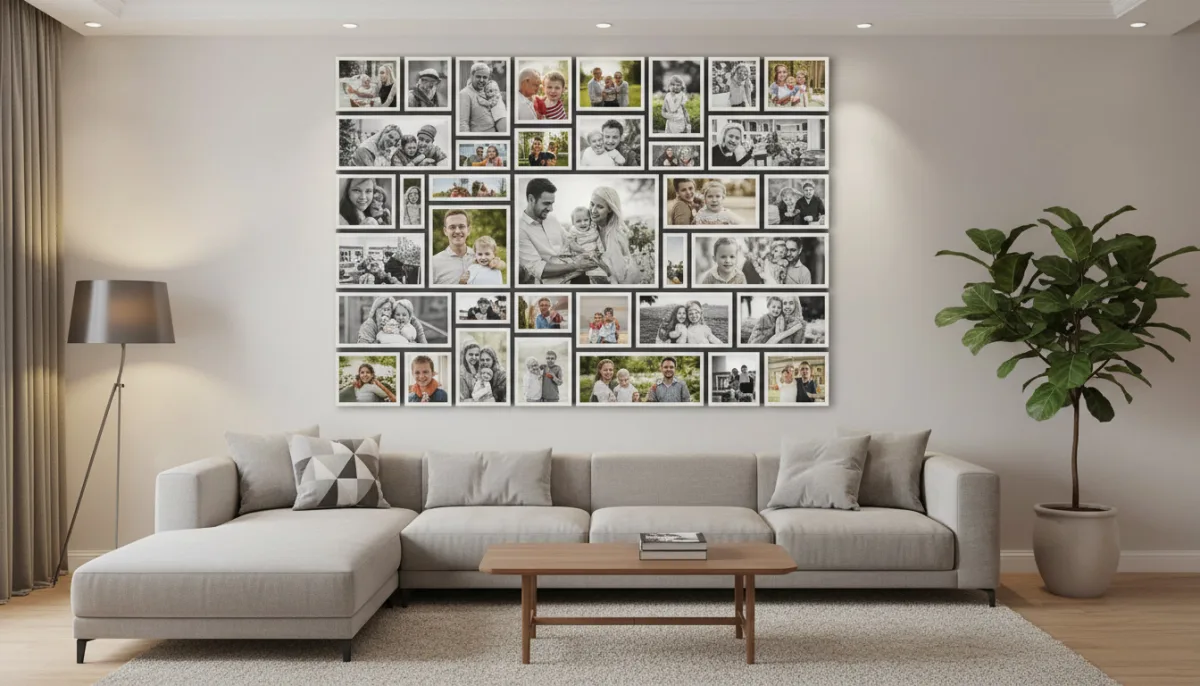
Everything you need for your print-ready canvas collage
With LayPic you create your photo collage for free and export it in professional 300 DPI print quality. Whether canvas, poster or photo book – you get the finished file and print it wherever you want.
8 Layouts & Creative Masks
Justified, Masonry, Grid, Magazine, Magazine Center, Mosaic, Scattered and Mask layout. Plus over 40 masks: hearts, numbers, letters and 28 wedding designs.
All Formats & Print Quality
From DIN A0 to A5, Instagram, Pinterest or custom poster sizes. Export as PNG, JPG or PDF at up to 300 DPI.
Text, Logo & 20+ Fonts
Add text with over 20 fonts, shadows, text stroke and background color. Upload your own logo via file or URL.
100% Privacy
Your photos never leave your device. Everything is processed locally in the browser – no upload to external servers.
Export & Social Sharing
Export in 3 quality levels (96, 192, 300 DPI) as PNG, JPG or PDF. Share your collage directly on social media.
Full Design Control
Gradient backgrounds, background images, rounded corners, frames, spacing and alignment – customize every detail. 5 gradient directions and 5 image fit modes.
From digital to wall art – your photos as a masterpiece
A photo collage on canvas or as a poster transforms your most beautiful memories into real wall art. Whether in the living room, hallway or bedroom – with LayPic you create a professional result that can be printed in brilliant quality at any print service.

4 steps to the perfect canvas collage
No installation, no signup – start directly in your browser.
Upload your best photos
Upload your high-resolution photos – via drag & drop or click. For canvas and poster we recommend images in the highest resolution possible.
Choose layout & format
Choose from 8 layouts (Justified, Masonry, Grid, Magazine, Magazine Center, Mosaic, Scattered, Mask) and creative masks. Set your desired print format – from DIN A5 to A0 or custom dimensions.
Enhance with text & logo
Add a title, date or dedication as text. 20+ fonts, shadows, text stroke and logo upload. Adjust spacing, frames, corners, background (color, gradient or image) and alignment.
Export in 300 DPI & print
Export as print-ready PDF, PNG or JPG in 3 quality levels (96, 192, 300 DPI). Upload the file to your print service or share on social media.
All print formats & standard sizes
Choose from all common print formats from DIN A5 to A0 or define custom dimensions for special frames and canvas sizes. Export as print-ready PDF or high-resolution PNG – ready for upload to any photo service, whether CEWE, Pixum, Posterxxl or your local print shop.
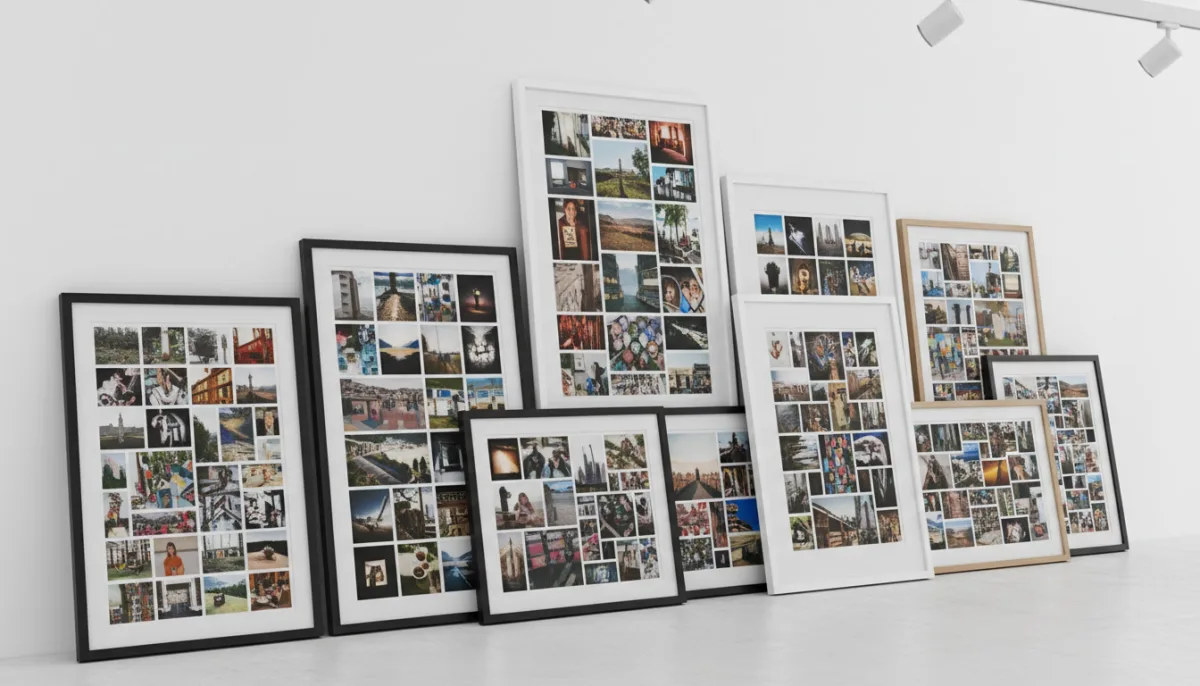
How to create your canvas collage
Watch how you can create a print-ready collage for canvas or poster in just a few minutes.
Personal touch with text & logo
Make your canvas collage unique: Add a title, date, special quote or your family logo as a text overlay. Over 20 fonts, shadows and text stroke ensure your text looks professional – even in large format on the wall.
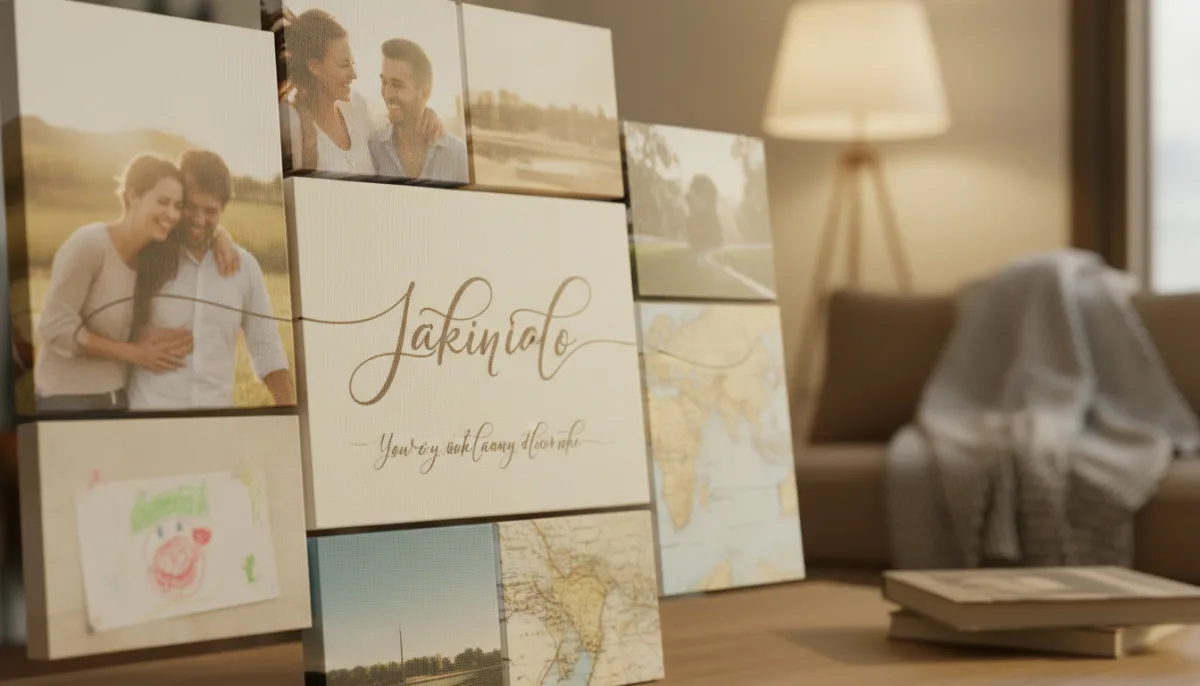
Why you should create your canvas collage with LayPic
- 300 DPI print quality – perfect for canvas, poster and photo print
- All standard formats from DIN A5 to A0 and custom sizes
- Export as print-ready PDF or high-resolution PNG
- Creating the collage is free – you only pay for printing
- Unlimited photo uploads – no restrictions
- Professional text and logo for the perfect wall decoration
- Print wherever you want – CEWE, Pixum, Posterxxl or locally
Frequently Asked Questions
Yes, LayPic is completely free with no limitations. There are no hidden costs, no watermarks (except the subtle LayPic logo) and no registration required.
No. All photos are processed exclusively locally in your browser. No images are transferred to external servers. Your privacy is 100% protected.
You can export in three quality levels: Standard (96 DPI), High (192 DPI) and Print quality (300 DPI). Formats: PNG, JPG or print-ready PDF.
LayPic offers 3 quality levels: 96 DPI (screen/web), 192 DPI (good print) and 300 DPI (professional print quality). For canvas and poster we always recommend 300 DPI as PDF or PNG.
You can upload the exported file to any print service of your choice – e.g. CEWE, Pixum, Posterxxl, WhiteWall or your local print shop. LayPic delivers the print-ready file, you decide where and on what material it gets printed.