
Create Family Chronicle Collage:
Unite generations in one collage
Design an impressive photo collage of your family history – from grandparents to grandchildren. Free, no signup, right in your browser.

Everything for your perfect family chronicle
LayPic gives you all the tools to unite generations of family memories in a stylish collage – from creative layouts to print-ready export.
8 Layouts & Creative Masks
Justified, Masonry, Grid, Magazine, Magazine Center, Mosaic, Scattered and Mask layout. Plus over 40 masks: hearts, numbers, letters and 28 wedding designs.
All Formats & Print Quality
From DIN A0 to A5, Instagram, Pinterest or custom poster sizes. Export as PNG, JPG or PDF at up to 300 DPI.
Text, Logo & 20+ Fonts
Add text with over 20 fonts, shadows, text stroke and background color. Upload your own logo via file or URL.
100% Privacy
Your photos never leave your device. Everything is processed locally in the browser – no upload to external servers.
Export & Social Sharing
Export in 3 quality levels (96, 192, 300 DPI) as PNG, JPG or PDF. Share your collage directly on social media.
Full Design Control
Gradient backgrounds, background images, rounded corners, frames, spacing and alignment – customize every detail. 5 gradient directions and 5 image fit modes.
Unite generations of memories
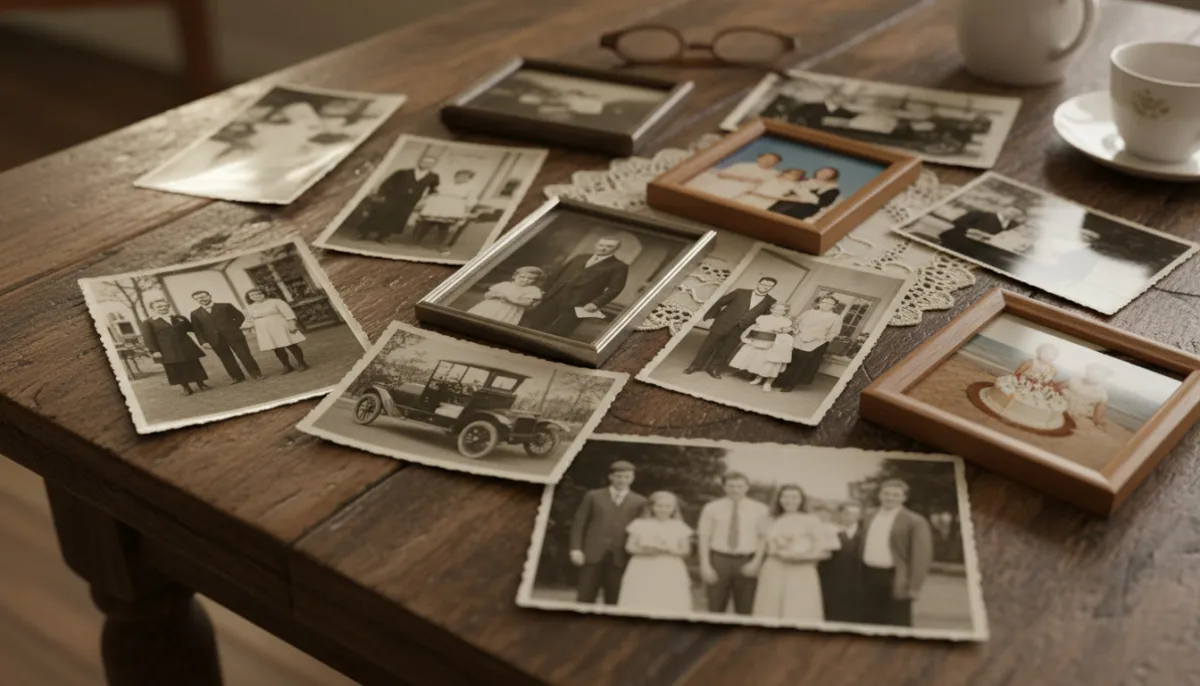
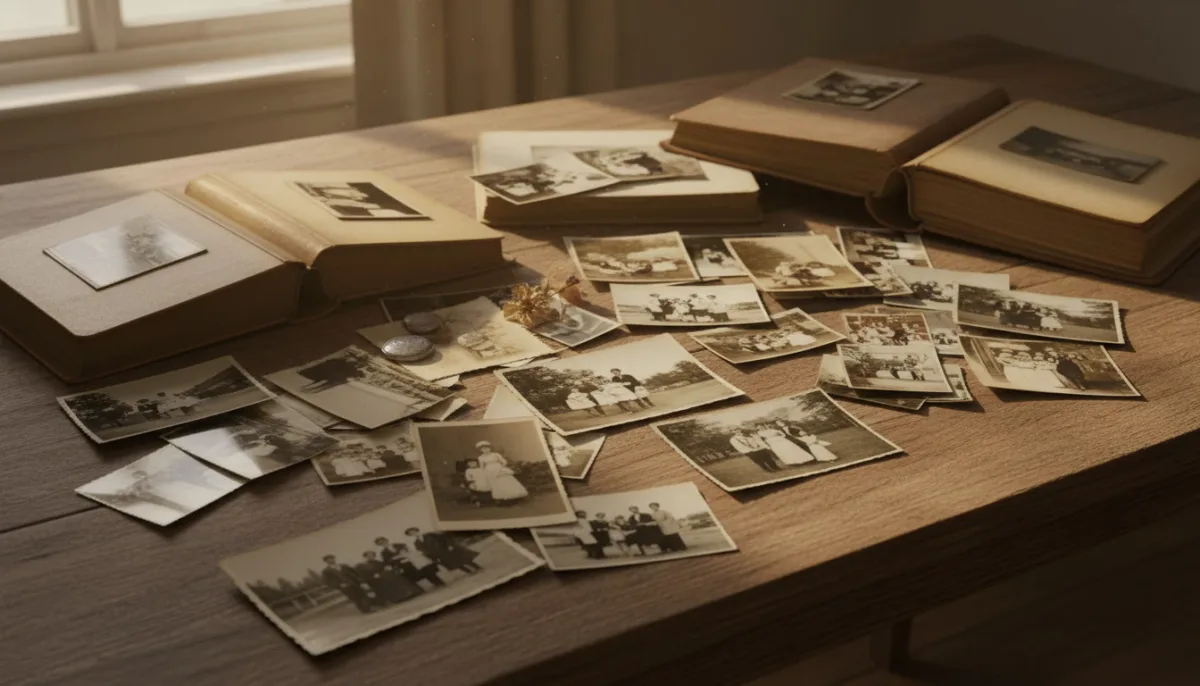
A family chronicle collage tells your family's story in pictures. From historic black-and-white photos of great-grandparents through childhood pictures to current family reunions. Unite generations in a single, impressive collage.
4 steps to the perfect family chronicle
No installation, no signup – start directly in your browser.
Collect & upload family photos
Collect photos from different generations – scan old prints and upload them with digital photos. Via drag & drop or click.
Choose layout
Choose from 8 layouts. Masonry and Justified are especially good for different image formats. Heart masks for an emotional family chronicle.
Add family name, years & dedication
Add the family name, years or a dedication. 20+ fonts, shadows, text stroke.
Export, print or share
Export as PNG, JPG or PDF at up to 300 DPI. Perfect as wall art, in the family album or as a gift for the family reunion.
Print-ready for posters, canvas & family albums
Export your family chronicle at up to 300 DPI print quality. Perfect as a large wall art for the family reunion, a canvas print for the living room or a special chapter in the family album.

How to create your family chronicle collage
Watch how easy it is to create an impressive family chronicle collage.
Personal with family name, dates & dedication
Add the family name, important dates or a dedication as a text overlay. Arrange the photos chronologically and tell your family's story from generation to generation.
Why a family chronicle collage is so valuable
- Unites generations of family memories in one image
- Historic black-and-white and modern photos harmoniously combined
- Perfect for family reunions, anniversaries and special occasions
- As a large wall art, an impressive family tree
- Tell the story with family name and dates
- An heirloom for future generations
- Create for free – family history for everyone
Frequently Asked Questions
Yes, LayPic is completely free with no limitations. There are no hidden costs, no watermarks (except the subtle LayPic logo) and no registration required.
No. All photos are processed exclusively locally in your browser. No images are transferred to external servers. Your privacy is 100% protected.
You can export in three quality levels: Standard (96 DPI), High (192 DPI) and Print quality (300 DPI). Formats: PNG, JPG or print-ready PDF.
Yes! Scan or photograph old prints and upload them along with newer digital photos. LayPic processes all image formats. The mix of historic and current photos makes the family chronicle especially impressive.
For a comprehensive family chronicle, we recommend 15-50 photos from different generations and eras. The Masonry or Justified layout is especially well suited for different image formats.