
Create Number Collage:
Your photos shaped into any number
Transform your favorite photos into a stunning number collage – perfect for milestone birthdays, anniversaries and special occasions. Free, no signup, right in your browser.
All the tools for your perfect number collage
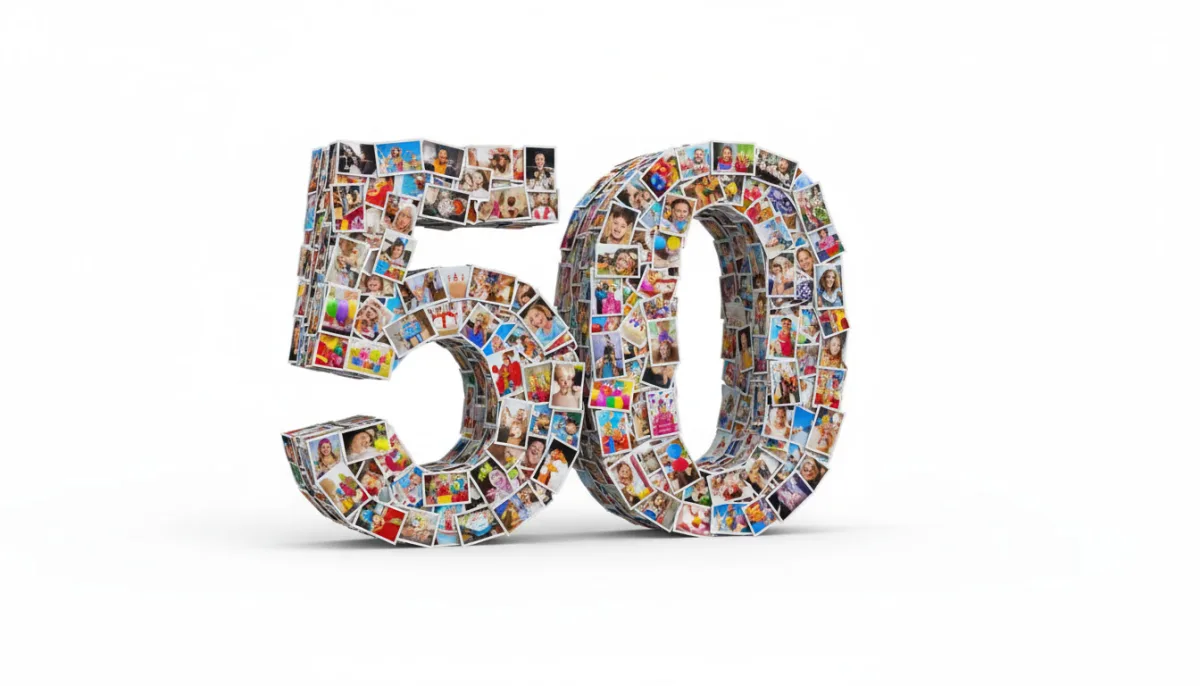
With LayPic you shape your photos into any number – whether 18, 30, 50 or 60. Thanks to the mask feature, your collage automatically fits the number shape.
8 Layouts & Creative Masks
Justified, Masonry, Grid, Magazine, Magazine Center, Mosaic, Scattered and Mask layout. Plus over 40 masks: hearts, numbers, letters and 28 wedding designs.
All Formats & Print Quality
From DIN A0 to A5, Instagram, Pinterest or custom poster sizes. Export as PNG, JPG or PDF at up to 300 DPI.
Text, Logo & 20+ Fonts
Add text with over 20 fonts, shadows, text stroke and background color. Upload your own logo via file or URL.
100% Privacy
Your photos never leave your device. Everything is processed locally in the browser – no upload to external servers.
Export & Social Sharing
Export in 3 quality levels (96, 192, 300 DPI) as PNG, JPG or PDF. Share your collage directly on social media.
Full Design Control
Gradient backgrounds, background images, rounded corners, frames, spacing and alignment – customize every detail. 5 gradient directions and 5 image fit modes.
Your photos become a number
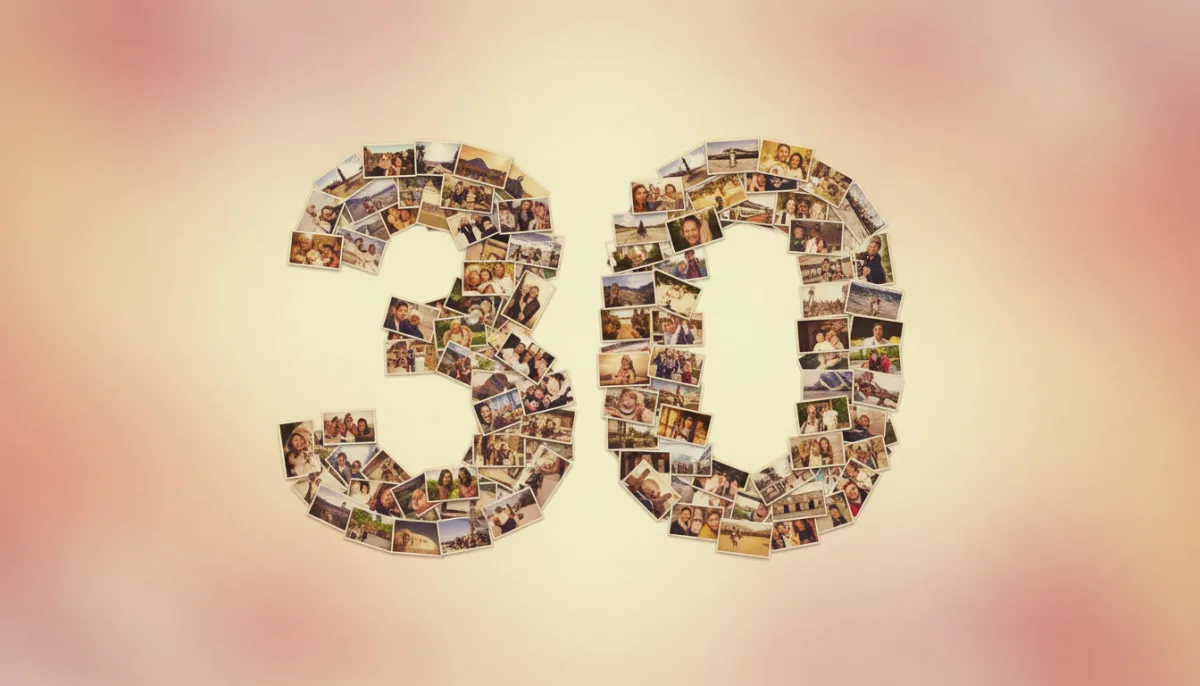
With LayPic's mask feature, you automatically arrange your photos in the shape of any number. Simply select the desired number mask – whether 18 for a birthday, 25 for an anniversary or 50 for a golden wedding. Your images seamlessly fit into the number shape, creating an impressive overall picture.
4 steps to the perfect number collage
No installation, no signup – start directly in your browser.
Upload photos
Upload your favorite photos – via drag & drop or click. Collect all images that match the number and occasion, whether vacation photos, family pictures or snapshots.
Choose number mask
Select the desired number mask – whether 18, 30, 50 or any other number. Combine with 8 layouts (Justified, Masonry, Grid, Magazine, Magazine Center, Mosaic, Scattered, Mask) for the perfect look.
Add text & styling
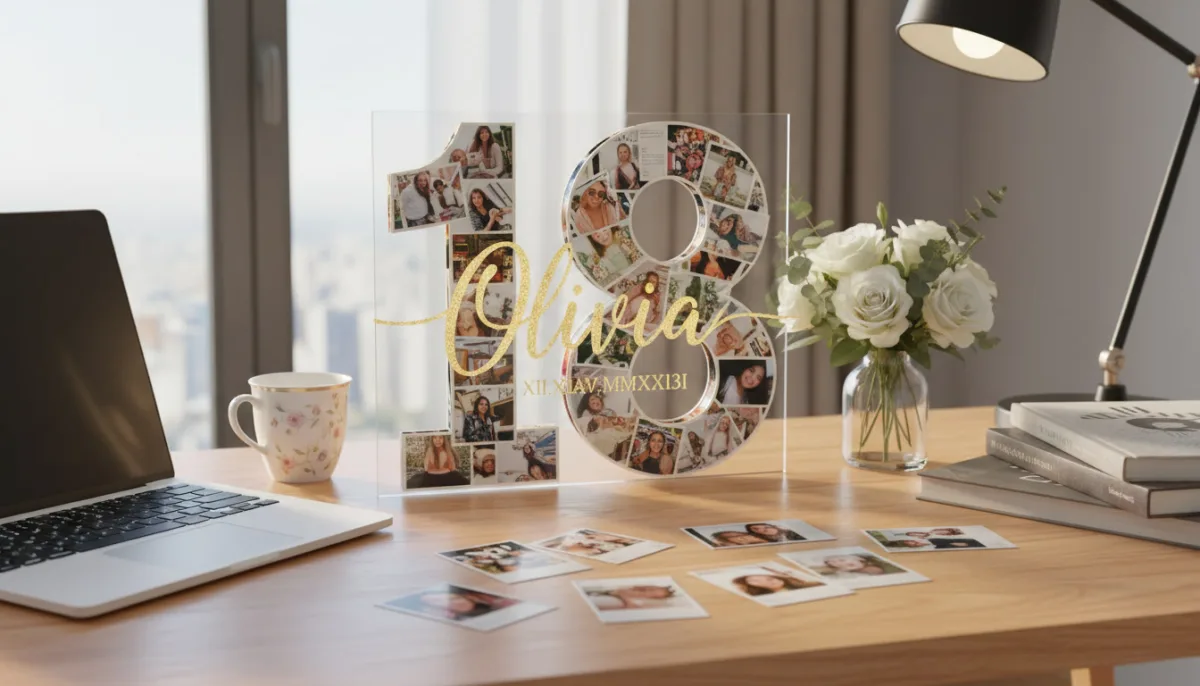
Personalize your number collage with a name, date or congratulations. 20+ fonts, shadows, text stroke and logo upload are at your disposal. Adjust spacing, frames, corners and background (color, gradient or image).
Export & gift
Export as PNG, JPG or print-ready PDF in 3 quality levels (96, 192, 300 DPI). Perfect for printing as a poster or canvas, or sharing on social media.
Perfect for milestone birthdays and anniversaries
Whether it's a 30th birthday, a 50th company anniversary or a golden wedding – a number collage is the ideal gift for special occasions. Collect the most beautiful shared memories and present them in a unique shape that immediately catches attention and evokes emotions.
How to create your number collage
Watch how to create a professional photo collage in number shape in just a few minutes – explained step by step.
Personalize with text, colors and fonts
Make your number collage unique: Add the birthday person's name, a date or a personal message as a text overlay. Choose from over 20 fonts and customize color, size, shadows and text stroke individually. Upload your own logo or choose a matching background (color, gradient or image).
Why a number collage is the perfect gift
- Any number possible – from 1 to 100 and beyond
- Perfect for milestone birthdays, anniversaries and special occasions
- Transform memory photos into an impressive work of art
- Creative gift that immediately catches attention
- Customizable with names, dates and personal greetings
- Print-ready at up to 300 DPI – ideal for posters and canvas
- Free and without signup – done in just a few minutes
Frequently Asked Questions
Yes, LayPic is completely free with no limitations. There are no hidden costs, no watermarks (except the subtle LayPic logo) and no registration required.
No. All photos are processed exclusively locally in your browser. No images are transferred to external servers. Your privacy is 100% protected.
You can export in three quality levels: Standard (96 DPI), High (192 DPI) and Print quality (300 DPI). Formats: PNG, JPG or print-ready PDF.
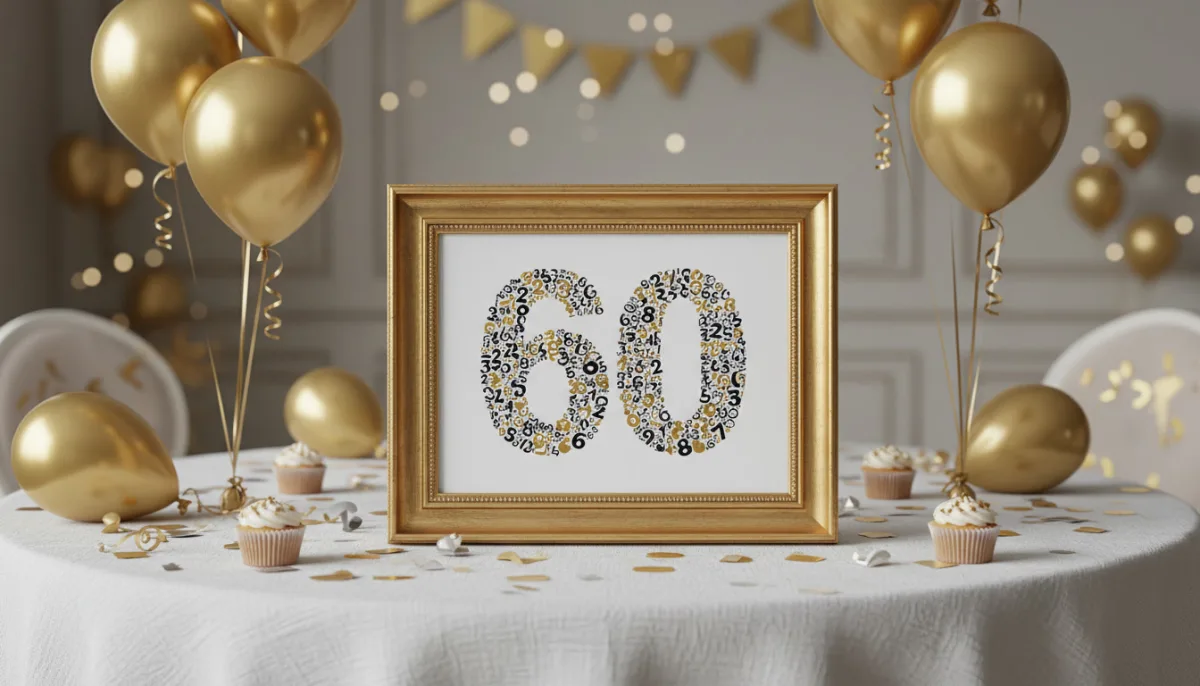
You can use any number as a mask shape – whether single digits like 5 or 8, or multi-digit numbers like 18, 30, 50 or 60. LayPic offers a wide range of number masks that you can select directly.
For a harmonious number collage, we recommend at least 10 to 30 photos, depending on the complexity of the number. More photos create a denser, more detailed result. But you can also start with fewer images – LayPic adjusts the layout automatically.