
Create Wedding Collage:
Your most beautiful wedding moments
Create a professional photo collage from your wedding pictures in minutes – free, no signup, right in your browser.
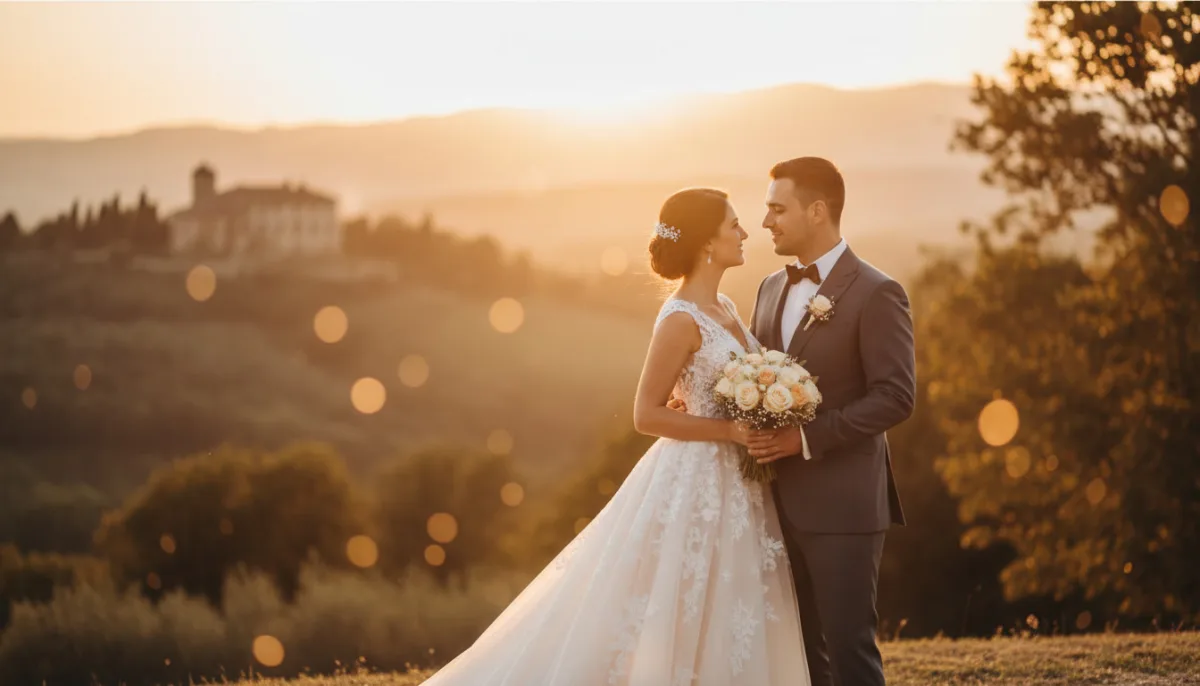
Everything you need for your wedding collage
LayPic gives you all the tools to perfectly showcase your wedding photos – from elegant layouts to print-ready export.
8 Layouts & Creative Masks
Justified, Masonry, Grid, Magazine, Magazine Center, Mosaic, Scattered and Mask layout. Plus over 40 masks: hearts, numbers, letters and 28 wedding designs.
All Formats & Print Quality
From DIN A0 to A5, Instagram, Pinterest or custom poster sizes. Export as PNG, JPG or PDF at up to 300 DPI.
Text, Logo & 20+ Fonts
Add text with over 20 fonts, shadows, text stroke and background color. Upload your own logo via file or URL.
100% Privacy
Your photos never leave your device. Everything is processed locally in the browser – no upload to external servers.
Export & Social Sharing
Export in 3 quality levels (96, 192, 300 DPI) as PNG, JPG or PDF. Share your collage directly on social media.
Full Design Control
Gradient backgrounds, background images, rounded corners, frames, spacing and alignment – customize every detail. 5 gradient directions and 5 image fit modes.
The perfect memory of your big day
Capture the most beautiful moments of your wedding in an elegant photo collage. Whether the ceremony, the first dance or the emotional group photos – with LayPic you arrange all highlights in a single work of art that you will cherish forever.
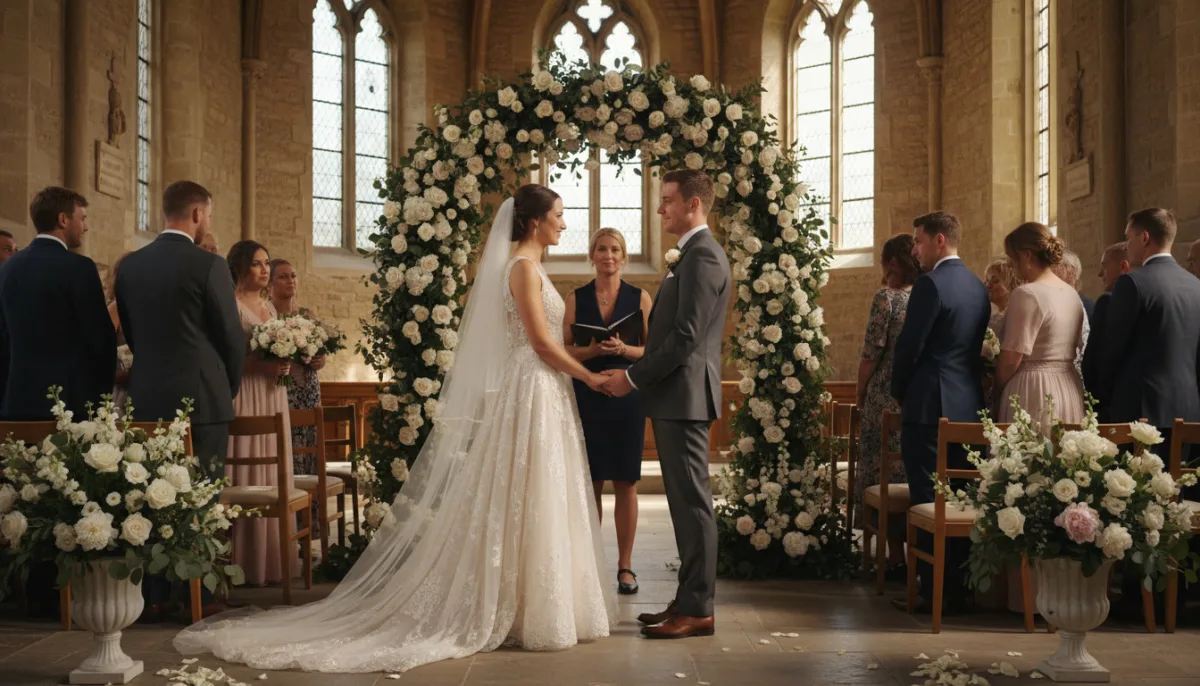
4 steps to the perfect wedding collage
No installation, no signup – start directly in your browser.
Upload wedding photos
Upload your most beautiful wedding pictures – via drag & drop or click. From the ceremony to the first dance to the group photos.
Choose layout & mask
Choose from 8 layouts (Justified, Masonry, Grid, Magazine, Magazine Center, Mosaic, Scattered, Mask) and creative masks like hearts or numbers for your wedding collage.
Add names, date & style
Add your names, the wedding date or a personal quote. 20+ fonts, shadows, text stroke, logo upload. Adjust spacing, frames, corners, background (color, gradient or image) and alignment.
Export, print or share
Export as PNG, JPG or print-ready PDF in 3 quality levels (96, 192, 300 DPI). Perfect for posters, canvas, photo books or sharing on social media.
Print-ready for posters, canvas & photo books
Export your wedding collage at up to 300 DPI print quality. Perfect for large-format posters, canvas prints or as a highlight in your wedding photo book. Choose from various formats – from DIN A5 to A0.

How to create your wedding collage
Watch how easy it is to create a professional collage from your wedding photos in just a few minutes.
Personally designed with text & your logo
Add your names, the wedding date or a personal quote as a text overlay. Choose from over 20 fonts and customize color, size and style individually. Also perfect as a personalized gift for the bride and groom.
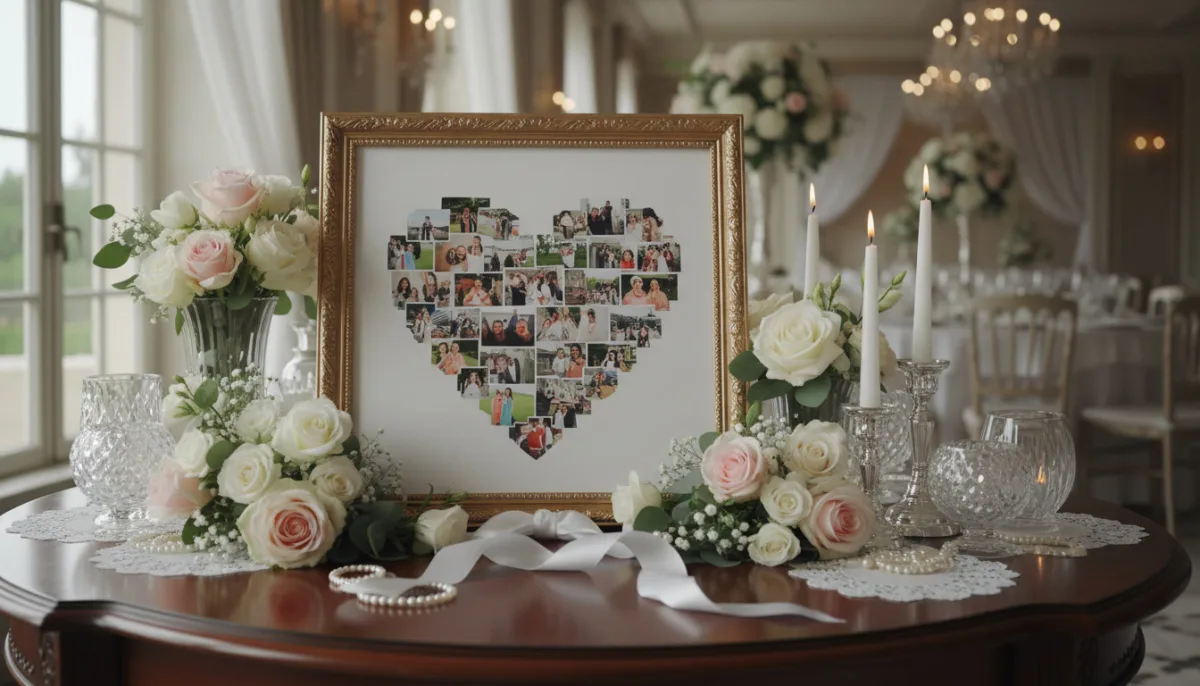
Why a collage is the perfect wedding gift
- A gift full of memories – from the first meeting to the proposal
- Room for personal quotes, little anecdotes or dedications
- Ideal from friends, best man/maid of honor or family
- Personal AND practical – creative addition to a cash gift
- Suitable for every budget – the thought is what counts
- Impressive even with few photos – thanks to smart layouts
- Also great as a team gift from the sports club or colleagues
Frequently Asked Questions
Yes, LayPic is completely free with no limitations. There are no hidden costs, no watermarks (except the subtle LayPic logo) and no registration required.
No. All photos are processed exclusively locally in your browser. No images are transferred to external servers. Your privacy is 100% protected.
You can export in three quality levels: Standard (96 DPI), High (192 DPI) and Print quality (300 DPI). Formats: PNG, JPG or print-ready PDF.
There is no fixed upper limit. You can upload as many photos as you like. For a harmonious wedding collage, we recommend 6 to 20 images – depending on the chosen layout.
Absolutely! Export your collage in 300 DPI print quality as PNG or PDF and upload it to a photo printing service of your choice. The collage looks particularly beautiful on canvas or as a large-format poster.