
Create Pregnancy Collage:
Capture 9 months of excitement
Design a loving photo collage of your pregnancy – from the first ultrasound to the baby bump. Free, no signup, right in your browser.

Everything for your perfect pregnancy collage
LayPic gives you all the tools to capture your pregnancy journey in a stylish collage – from bump progressions to print-ready export.
8 Layouts & Creative Masks
Justified, Masonry, Grid, Magazine, Magazine Center, Mosaic, Scattered and Mask layout. Plus over 40 masks: hearts, numbers, letters and 28 wedding designs.
All Formats & Print Quality
From DIN A0 to A5, Instagram, Pinterest or custom poster sizes. Export as PNG, JPG or PDF at up to 300 DPI.
Text, Logo & 20+ Fonts
Add text with over 20 fonts, shadows, text stroke and background color. Upload your own logo via file or URL.
100% Privacy
Your photos never leave your device. Everything is processed locally in the browser – no upload to external servers.
Export & Social Sharing
Export in 3 quality levels (96, 192, 300 DPI) as PNG, JPG or PDF. Share your collage directly on social media.
Full Design Control
Gradient backgrounds, background images, rounded corners, frames, spacing and alignment – customize every detail. 5 gradient directions and 5 image fit modes.
Your pregnancy journey in pictures
Capture the beautiful journey of your pregnancy – from the first ultrasound image through the growing baby bump to the last weeks before birth. Every month brings new emotions and changes that can be immortalized in a collage.

4 steps to the perfect pregnancy collage
No installation, no signup – start directly in your browser.
Upload pregnancy photos
Upload bump photos, ultrasound images and emotional moments – via drag & drop or click.
Choose layout & mask
Choose from 8 layouts or use the number mask (e.g. 9 for 9 months). The grid layout is perfect for bump progressions.
Add weeks, name & quote
Add pregnancy weeks, the baby name or a loving quote. 20+ fonts, shadows, text stroke.
Export, print or share
Export as PNG, JPG or PDF at up to 300 DPI. Perfect for your pregnancy journal, nursery or sharing.
Print-ready for posters, canvas & journal
Export your pregnancy collage at up to 300 DPI print quality. Perfect as a poster for the nursery, as a keepsake in your pregnancy journal or as an emotional gift for the mom-to-be.

How to create your pregnancy collage
Watch how easy it is to create a beautiful collage of your pregnancy.
Personal with weeks, name & loving words
Add pregnancy weeks, the chosen baby name or loving words as a text overlay. Document the development week by week or combine the most beautiful moments in one collage.
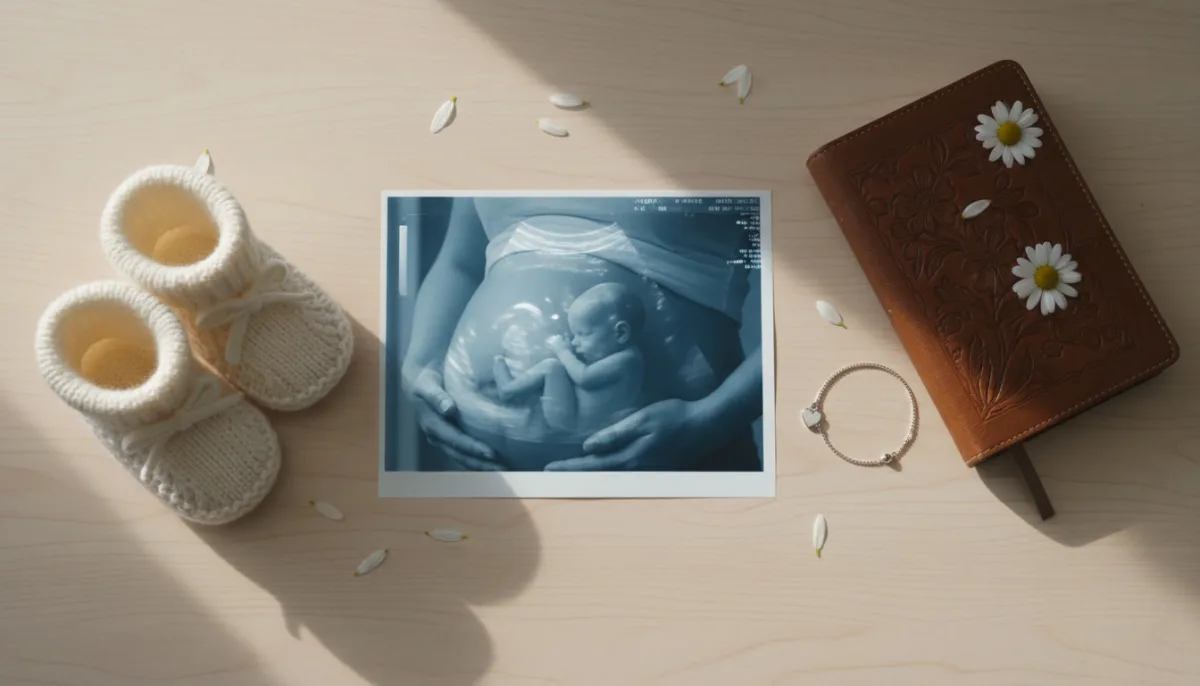
Why a pregnancy collage is so special
- Captures the beautiful time of pregnancy forever
- Documents the bump progression month by month
- Ultrasound images and bump photos united in one collage
- As a poster for the nursery or in the pregnancy journal
- Customizable with pregnancy weeks and baby name
- An emotional gift for the mom-to-be
- Create for free – for this special time
Frequently Asked Questions
Yes, LayPic is completely free with no limitations. There are no hidden costs, no watermarks (except the subtle LayPic logo) and no registration required.
No. All photos are processed exclusively locally in your browser. No images are transferred to external servers. Your privacy is 100% protected.
You can export in three quality levels: Standard (96 DPI), High (192 DPI) and Print quality (300 DPI). Formats: PNG, JPG or print-ready PDF.
Yes! You can upload any images – including ultrasound pictures, bump photos or screenshots from pregnancy apps. Simply add them via drag & drop or click.
Tip: Take a photo every month in the same pose with the same background. Then upload all photos chronologically. The grid layout or number mask (e.g. with 9 for 9 months) is perfect for this.